
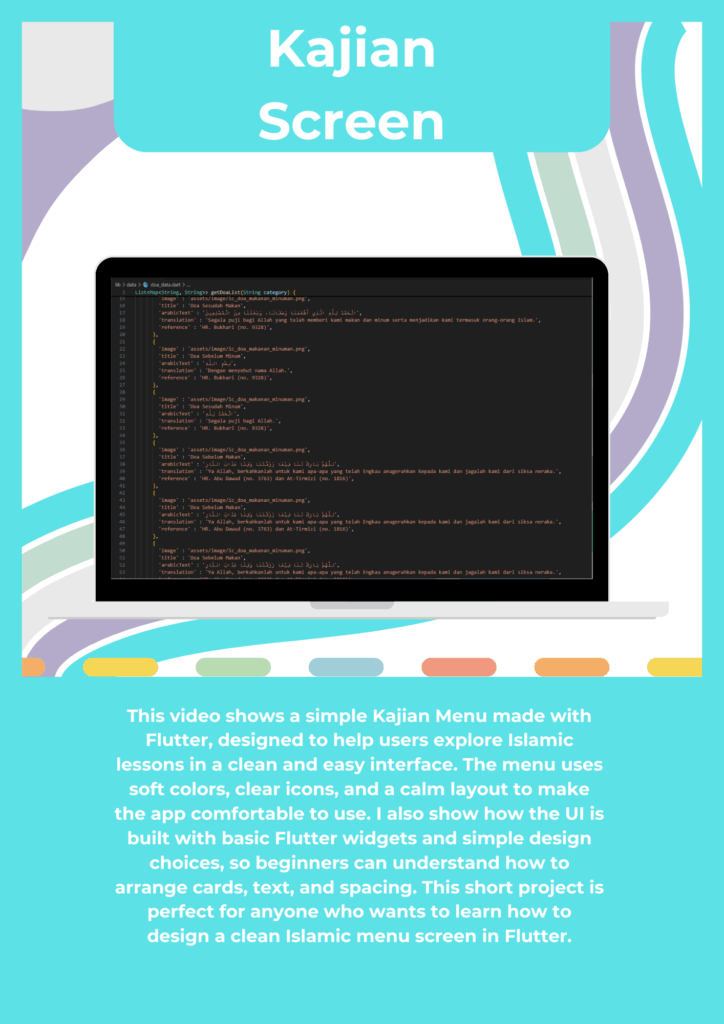
This video shows how I designed and built an Islamic Kajian Menu screen using Flutter. The goal of this project is to create a clean, modern, and easy-to-use interface where users can explore different Islamic lessons in a simple way. I focused on making the design minimal, readable, and friendly for people of all ages. In this video, I explain each part of the UI step by step, so even beginners can follow along and understand how the layout works.
The Kajian Menu contains several sections, such as daily reminders, short Islamic lessons, and links to deeper learning. Every item in the menu has a clear title, a short description, and an icon that helps the user understand the content quickly. I use soft colors, rounded cards, and enough spacing to make sure the screen looks calm and comfortable for the eyes. This is important because many users will read Islamic content when they want peace and focus.
In this video, I also show how I built the layout using Flutter widgets like Column, Row, ListView, and Container. I explain why I choose these widgets and how they work together to create a responsive design that fits different screen sizes. I also demonstrate how to add padding, margin, fonts, and shadows to make the design look more professional. The goal is not only to build a working layout but also to understand how to create a beautiful interface that follows good UI/UX practices.
Another important part of this project is the user experience. I talk about why simple navigation is important, especially in Islamic apps. Users should be able to find different kajian topics without confusion. That is why the menu uses clear sections and consistent styling. I also discuss how icons, colors, and typography help create a positive emotional feeling when people use the app.
At the end of the video, I share tips for beginners who want to design Islamic apps in Flutter. I encourage viewers to focus on clarity, simplicity, and good spacing. I also explain how to stay consistent with colors and shapes so the app looks clean. This project is great for anyone who wants to improve their Flutter skills, especially in UI design.
Overall, this video is a complete guide for building a Kajian Menu screen from scratch. You will learn both design and technical concepts, and you will see how small details can make a big difference in the final result. I hope this video helps you in your own Flutter projects, especially if you want to create Islamic apps with modern and friendly UI.